

TL;DR

Get smart everyday buys delivered free with Prime
- Fast, free delivery on millions of items
- Prime Video, Amazon Music and more included
- Member-only deals all year
This article shows how a single video can generate a complete set of publishing assets—media kits, social posts, descriptions—without relying on cloud services. It emphasizes privacy, speed, and control for creators who want a local, automated workflow.
Imagine turning a single video into a full publishing kit—ready for social media, blogs, press, and sales—all without uploading your content to the cloud. That’s not just a dream. It’s a real, local-first workflow that keeps your content private and speeds up your publishing process.
In this article, I’ll walk you through how a privacy-focused, offline tool can analyze your video, extract the key moments, and generate everything from social posts to media kits. No more hours of manual repackaging, no dependence on cloud servers. The goal? More control. Less hassle.
Key Takeaways
- A layered understanding of your video—audio, visuals, fusion, and intelligence—produces more accurate, context-aware assets.
- Processing everything locally keeps your content private, reduces reliance on unstable internet, and speeds up your workflow.
- You can generate a complete publishing kit—media assets, social posts, descriptions—from just one video file, saving hours of manual work.
- Review and edit assets in a dedicated studio interface, with transparent provenance tracking for every output.
- While automation speeds things up, human review remains essential for tone, accuracy, and legal compliance.
As an affiliate, we earn on qualifying purchases.
How a Local Video Tool Understands Your Content Better Than Cloud Services
Most AI tools for video start and end with speech-to-text. They generate captions or simple summaries. But a local, multi-layered system like ChannelHelm reads your video on four levels:
- The audio layer captures who said what, when.
- The visual layer detects scene changes, on-screen text, and important visuals.
- The fusion layer lines up spoken words with visual cues, creating a structured, timestamped log.
- The intelligence layer analyzes topics, hooks, and moments that keep viewers engaged.
By analyzing on multiple levels, this system doesn’t just transcribe; it interprets. This layered understanding allows it to identify the most impactful segments, key visuals, and thematic elements, which are critical for crafting engaging assets. This deep, multi-faceted analysis means the system can discern subtle cues—like tone shifts, emphasis on certain visuals, or emotional cues—that simple transcription misses. This understanding is crucial because it enables content creators to produce assets that truly resonate, ensuring that highlights, quotes, and visuals are not just accurate but meaningful and aligned with audience engagement strategies. The tradeoff? More computational complexity and initial setup, but the payoff is significantly higher quality and relevance in generated assets, reducing manual editing and increasing the likelihood of impactful content.
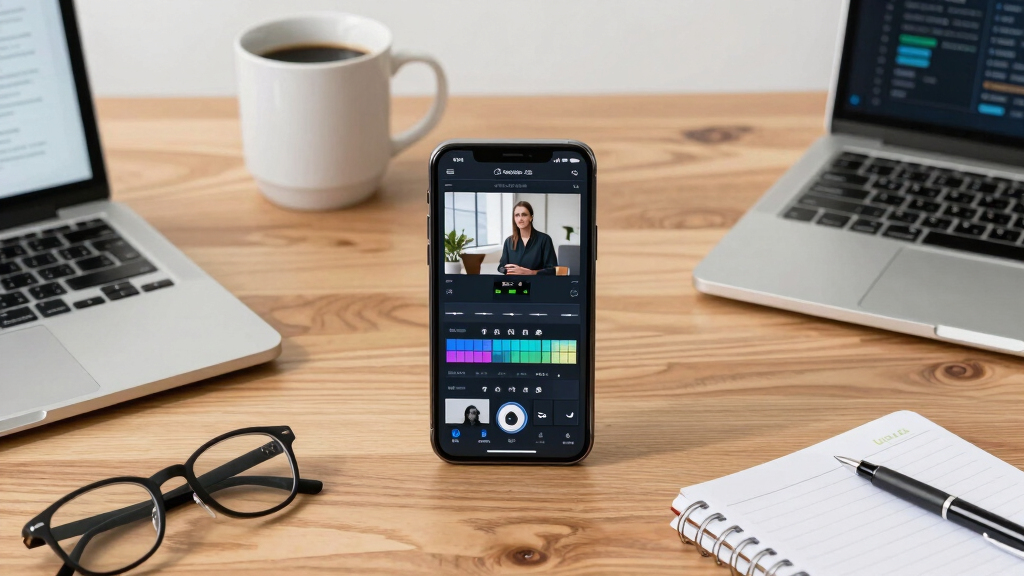
privacy-focused video publishing tools
As an affiliate, we earn on qualifying purchases.
As an affiliate, we earn on qualifying purchases.
Step-by-Step: Turning a Single Video into a Full Publishing Kit
Here’s how the process works in four clear steps, each designed to maximize efficiency and privacy:
- Drop or link your video: Whether it’s a raw interview, a lecture, or a product demo, just upload it locally or paste a URL. The system detects the source automatically. This step ensures your raw content is securely processed without uploading to external servers, maintaining confidentiality.
- Understand and analyze: Background workers transcribe speech, read visual cues, and fuse data—all running on your machine. This layered analysis creates a detailed understanding of your content’s structure, themes, and visual elements. The speed of this process, often just a few minutes even for lengthy videos, underscores the advantage of local processing—no waiting for cloud servers, no data leaks. For more on privacy-focused workflows, see IRA rollovers and secure investments. This comprehensive analysis allows you to pinpoint the most engaging parts, extract meaningful quotes, and identify visual highlights with confidence that your sensitive data remains protected. The tradeoff? The initial processing might require more local resources and setup, but it guarantees privacy and immediate results, enabling rapid iteration without external dependencies.
For example, a YouTuber launching a new course can generate a media kit, social posts, and a detailed description all from one upload, ready for pre-launch promotion. This integrated approach reduces manual effort, speeds up deployment, and keeps your data private at every stage. To explore more tools for content creators, visit StartupSofa.
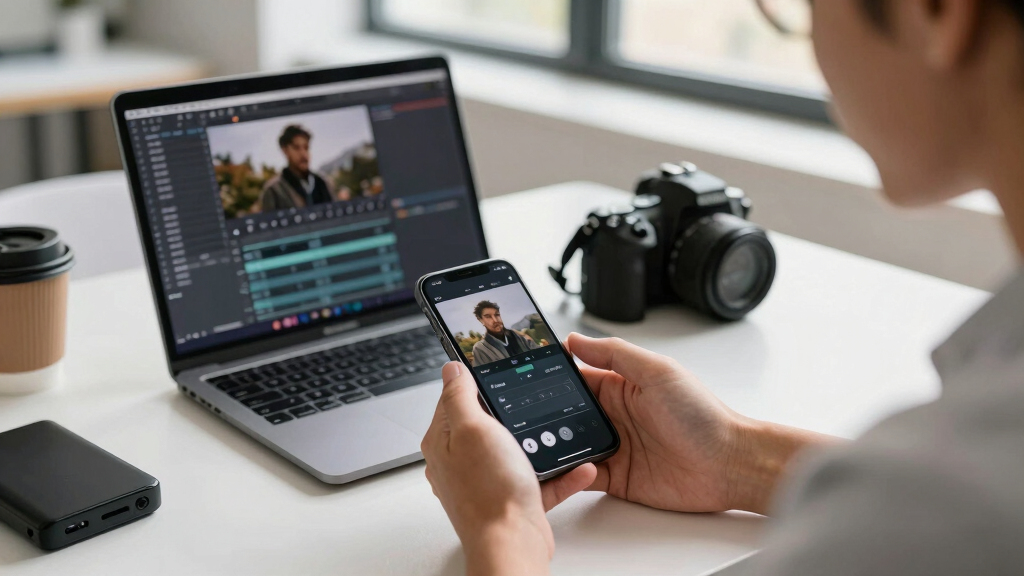
Step-by-Step: Turning a Single Video into a Full Publishing Kit AmazonAs an affiliate, we earn on qualifying purchases.
What Assets Can You Expect From One Video? A Clear Comparison Table
Asset Type Purpose Format Example Media Kit Promotion, press, branding PDF, images, text High-res cover, bio, key quotes One-sheet Event or book promo PDF, JPG Quick facts, schedule, call-to-action Descriptions & Copy Social posts, blogs, emails Text, HTML Twitter threads, Facebook posts Video Clips & Thumbnails Snippets, ads MP4, JPG Vertical clips for TikTok, YouTube thumbnails AmazonAs an affiliate, we earn on qualifying purchases.
Offline, Privacy, and Control: Why It Matters for Creators
One of the biggest selling points of a local workflow? Privacy and control. When your content stays on your machine, you avoid data breaches, leaks, and copyright issues. Plus, you’re not dependent on internet speed or cloud outages. Learn more about secure data practices at this-info.com.
For example, a lawyer recording confidential client interviews can process everything locally, ensuring sensitive data never leaves their secure environment. This setup is ideal for creators handling proprietary or sensitive info.
Beyond privacy, this approach offers a significant advantage in reliability. Cloud services depend on stable internet connections and server uptime. Any disruption can halt your workflow, cause delays, or compromise your data. Local processing sidesteps these risks, providing a consistent, predictable environment where you control every aspect. This means you can work offline without interruption, keep sensitive information entirely within your own secure environment, and avoid potential data breaches associated with cloud storage. The tradeoff? You may need to invest in more powerful local hardware or optimize your setup, but the benefits of privacy and uninterrupted workflow often outweigh these costs. Additionally, long-term operational costs are reduced since you avoid ongoing subscription fees and data transfer charges, making this approach more sustainable for continuous content creation.

Offline, Privacy, and Control: Why It Matters for Creators How This Workflow Supports Modern Publishing and Launch Strategies
Modern authors and entrepreneurs don’t just publish a book and hope for the best. They build a media presence, run launch campaigns, and create multiple assets from a single source. For insights on digital marketing and publishing, see BitcoindailyUpdate.
With this approach, you can generate:
- Media kits for press and influencers
- Social content tailored for each platform
- Descriptions and promos for Amazon, your website, or email
- High-res images and video snippets for ads
This integrated process not only accelerates your pre-launch activities but also ensures consistency across all your promotional channels. By deriving all assets from one high-quality video, you minimize the risk of mismatched messaging or branding inconsistencies. It also enables rapid iteration—if you update your video or messaging, regenerating assets is straightforward, keeping your campaign agile and responsive. This streamlined approach allows you to adapt quickly to market feedback and capitalize on emerging opportunities, giving you a competitive edge. The tradeoff? Slightly more initial setup and configuration, but the payoff is a cohesive brand presence and faster go-to-market times, which are critical in fast-moving industries.

How This Workflow Supports Modern Publishing and Launch Strategies Limitations and When Human Review Still Counts
This workflow automates a lot, but it’s not foolproof. The system still needs human eyes for tone, accuracy, and legal compliance. The AI’s interpretations are based on patterns and algorithms, which can sometimes misjudge nuances or context, especially in complex or highly specialized content. For example, technical jargon or subtle humor might be misinterpreted, leading to assets that don’t quite match your intent. Human review remains essential to catch these nuances, ensure the tone aligns with your brand, and verify legal or copyright considerations. Think of automation as a fast, reliable assistant—great for drafting and initial processing—but your final approval, editing, and quality control still depend on your judgment. This hybrid approach strikes a balance between efficiency and accuracy, enabling you to produce high-quality, compliant assets without sacrificing control. The tradeoff is that manual review takes time and attention, but it ensures your output maintains the professionalism and legal safety necessary for public release, preventing costly mistakes or misrepresentations.

Limitations and When Human Review Still Counts Who Benefits Most From a Cloud-Free Publishing Kit?
This setup is perfect for authors, educators, course creators, and indie publishers who value privacy, speed, and control over their content. It also suits agencies managing multiple clients with sensitive materials. For instance, a nonprofit organization producing training videos can process all assets locally, ensuring that sensitive data stays within their secure environment. Similarly, independent creators working with proprietary content or confidential interviews benefit from the assurance that their materials are never exposed to external servers. This approach is especially advantageous when working in regions with limited or unreliable internet connectivity, or when regulatory compliance mandates data sovereignty. While cloud solutions offer convenience and quick setup, a local workflow provides peace of mind, security, and the flexibility to work entirely offline, making it ideal for those with strict privacy requirements or sensitive content. The tradeoff? You might need to invest in better hardware or optimize your system, but the benefits of security and control often outweigh the additional effort, especially for high-stakes or sensitive projects.
Frequently Asked Questions
What exactly does a ‘publishing kit’ include?
A publishing kit typically includes media assets like press images, videos, social posts, descriptions, and promotional copy—all generated from your source video. It helps you launch and promote across multiple channels efficiently.
Can this process work offline for sensitive content?
Yes. The workflow is designed for local, offline processing, which means your videos and assets stay on your device. This is ideal for confidential or copyright-sensitive material, giving you full control.
How much human editing is still needed?
While automation speeds up asset creation, human review remains important. You’ll want to check tone, accuracy, and legal aspects to ensure everything aligns with your brand and standards.
Is it suitable for all types of videos?
It works well for interviews, webinars, product demos, and lectures. Highly scripted or complex content may need more manual tweaking, but the core assets are mostly ready out of the box.
How does it compare to cloud-based tools?
Local tools prioritize privacy, speed, and control. They avoid data leaks and dependence on internet quality. Cloud services might be easier for quick tasks but come with privacy tradeoffs and slower turnaround for large projects.
Conclusion
Transforming one video into a full publishing kit without the cloud isn’t just a tech gimmick. It’s a smarter way to work—faster, safer, and more in your control. Think of it as your personal publishing engine, ready to turn raw footage into polished assets on your terms.
So, if you’re tired of tedious repackaging and want to keep your content close, this approach might just change your game. Your next launch could be faster, cleaner, and more private—just a few clicks away.

Who Benefits Most From a Cloud-Free Publishing Kit?
HALLOWEEN Halloween Picks
halloweenhalloween
As an affiliate, we earn on qualifying purchases.